 Squadora
For youth soccer clubs
Your whole club.
One app.
Schedules, RSVPs, fees, forms and messages for the club and every family in it. Parents see what's next. Coaches know who's coming. Admins stop chasing.
In build now. Coming to iPhone and the web. Already set up? Club sign in
In the app
One club. Every screen.
Families and coaches live on the phone. The admin work gets a real desk on the web. Same app, same data.
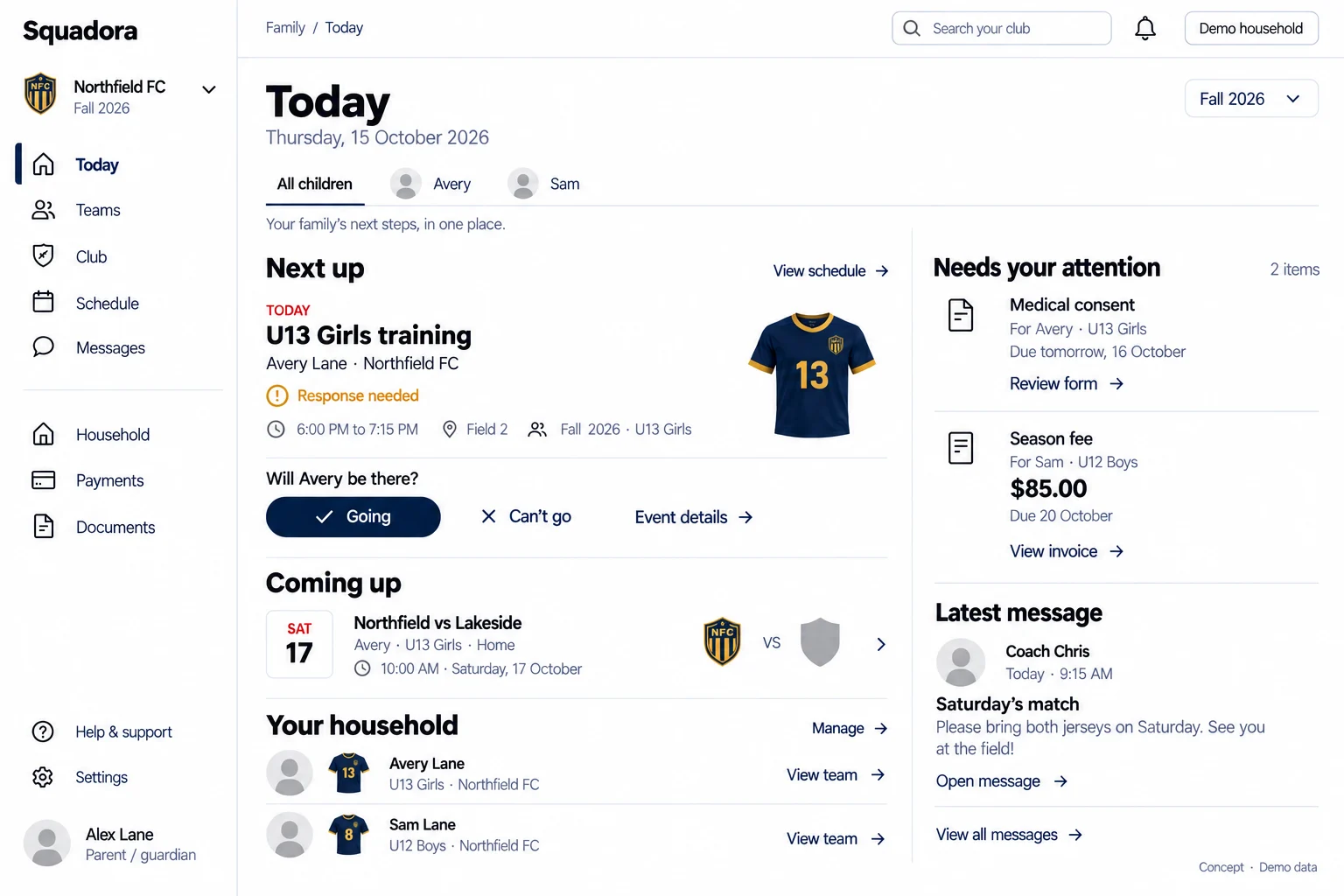
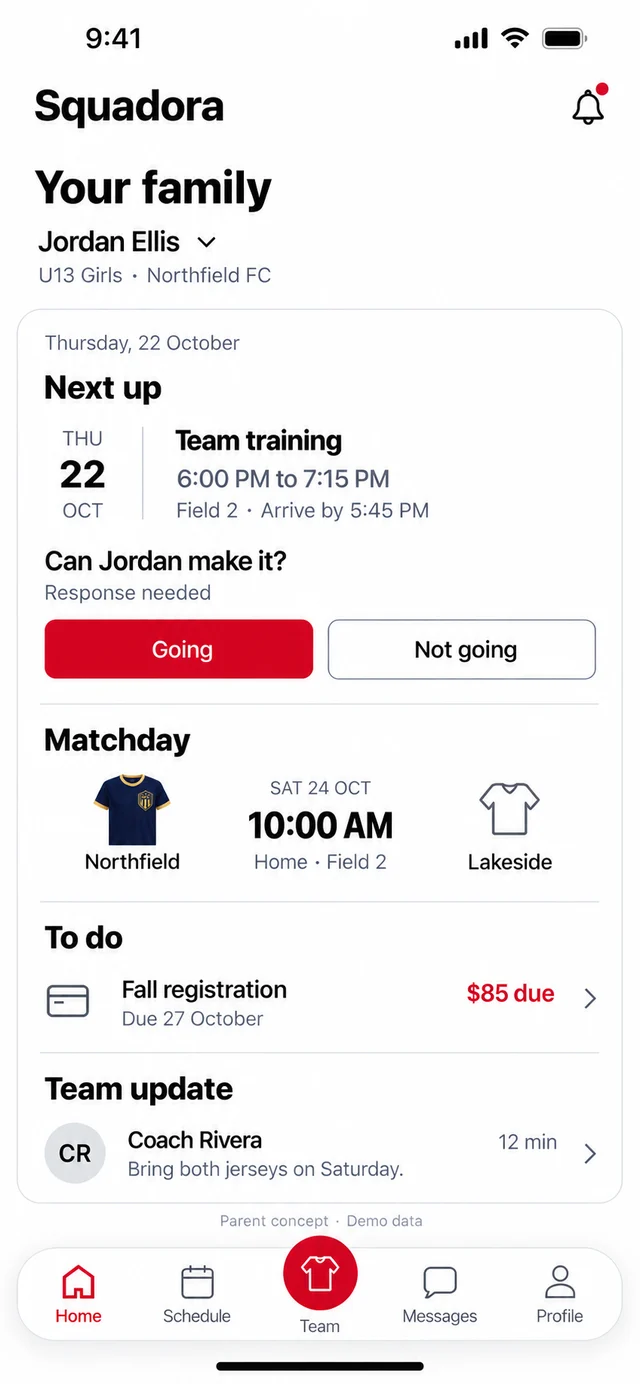
Family home. Next training, a one tap RSVP, the match, fees due and the latest team update, all on the first screen a parent opens.
Concept screens. Demo data.
What it does
Everything a club runs on.
Nothing it doesn't.
We cut the app down to the jobs clubs do every week, then rebuilt each one from scratch.
Schedule and RSVP
Training, matches and club events in one calendar. Families answer with one tap, and coaches see who's coming.
Match day
Lineup, kickoff, field and live score in one place, for the coach on the sideline and the parent at home.
Fees and registration
Season fees and sign-ups that collect the money. Card or bank, installments where the club allows them.
Forms and waivers
Medical consent and waivers signed before the first practice, with a clear list of who still owes what.
Messages and announcements
Team chat, direct messages and club news, sent only to the families it's meant for.
Teams, rosters and competitions
Every player in one list, every team with its own home, and leagues and tournaments families can follow.
Match day
From the sideline to the couch.
The live match screen puts the score, the lineup and every goal, card and sub in one place. The coach runs it from the sideline. Families follow it from anywhere, the moment it happens.
U13 Girls · Demo FC vs Lakeside
Coach concept. Demo data.
Schedule
It warns you when two kids clash.
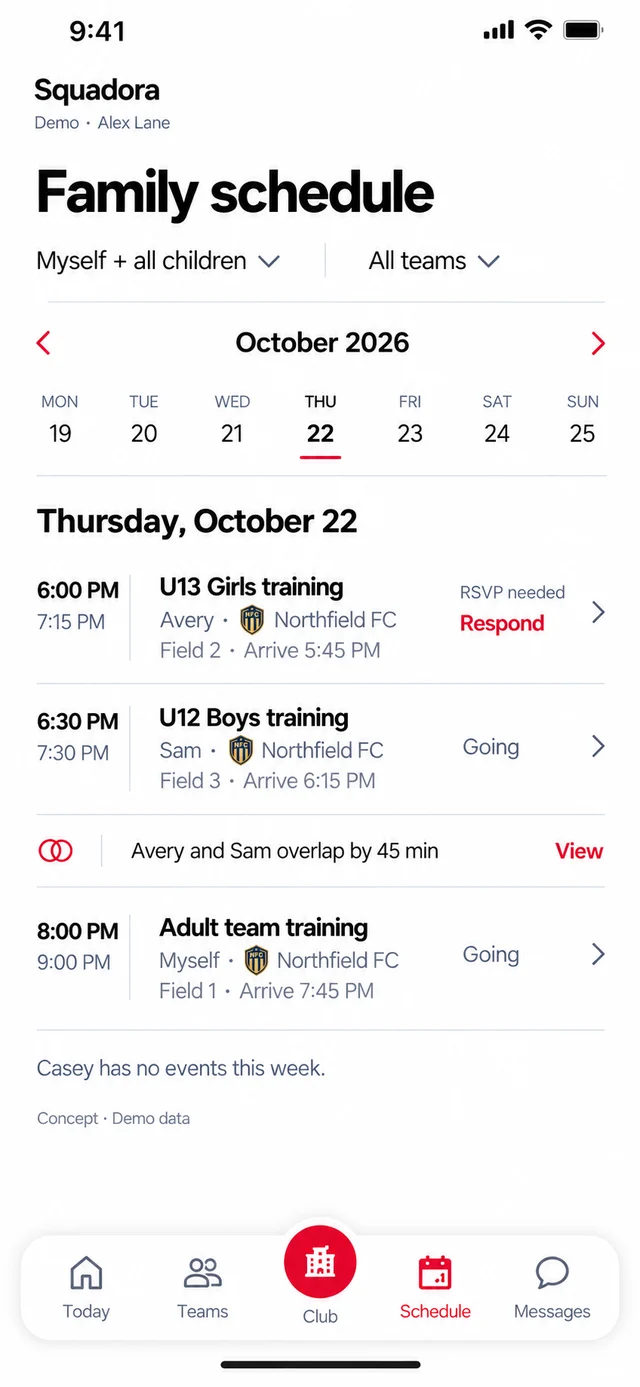
The family schedule shows every child's week in one place. When two kids are due somewhere at once, it says so before the weekend, and each RSVP is one tap.
- Clash warnings across teams and children
- Coaches see the count before practice
- Calendar feed for the family's own phone
Concept screen. Demo data.
Fees
Fees without the chasing.
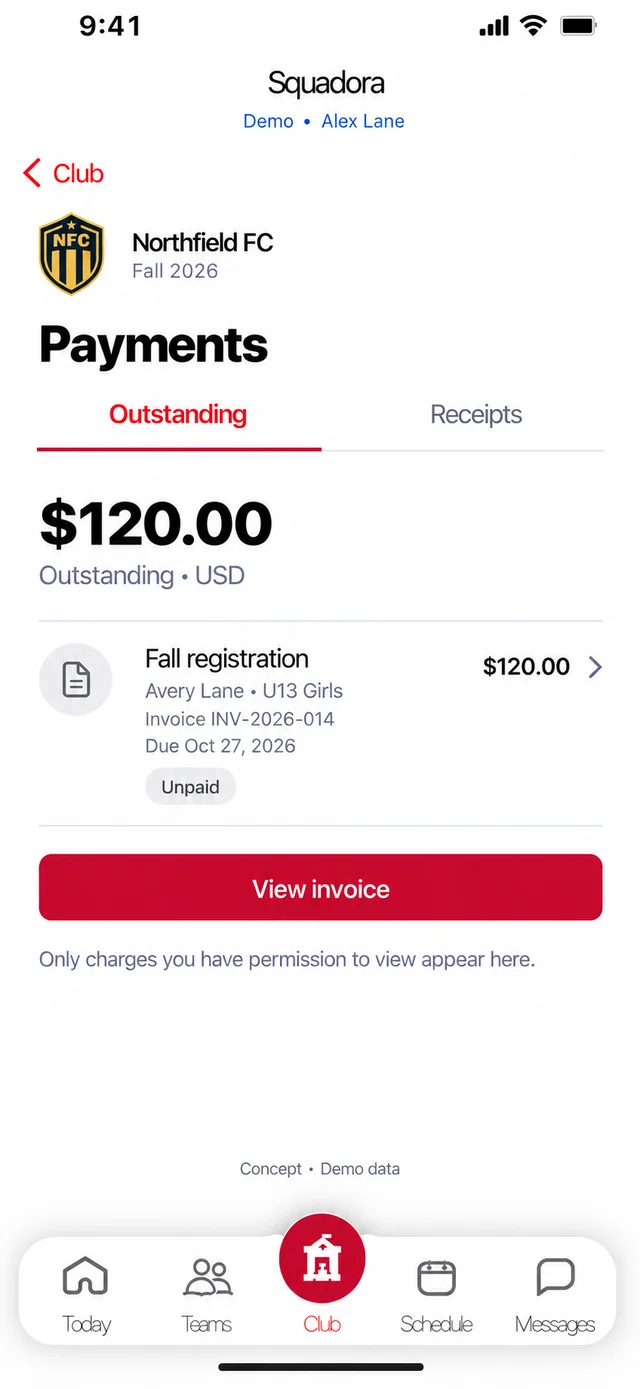
The amount and the due date sit on the family's home screen, and they pay from there. The treasurer sees one outstanding number.
- Card or bank, on the same screen as the schedule
- Installments when the club allows them
- Paid into the club's own Stripe account
Concept screen. Demo data.
Your colors
It looks like your club,
not like us.
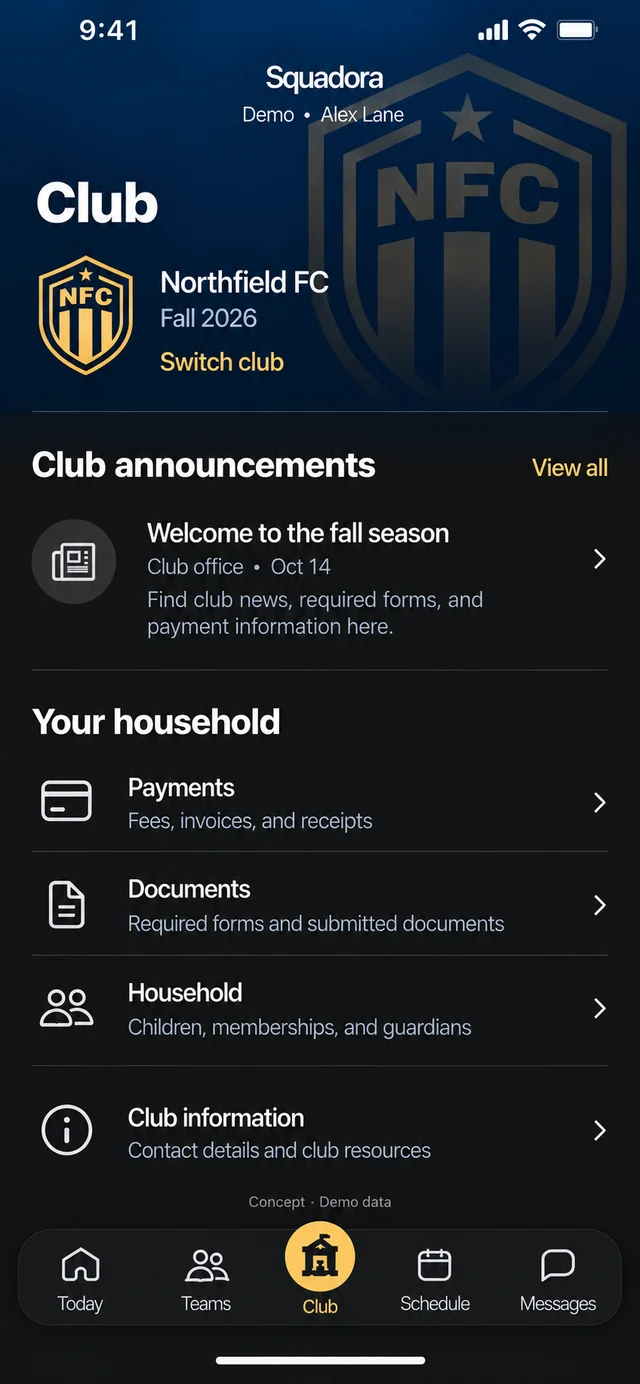
Squadora starts in white and red. When your club joins, the app takes on your colors and your crest for every family. The layout stays the same, so nobody learns it twice.
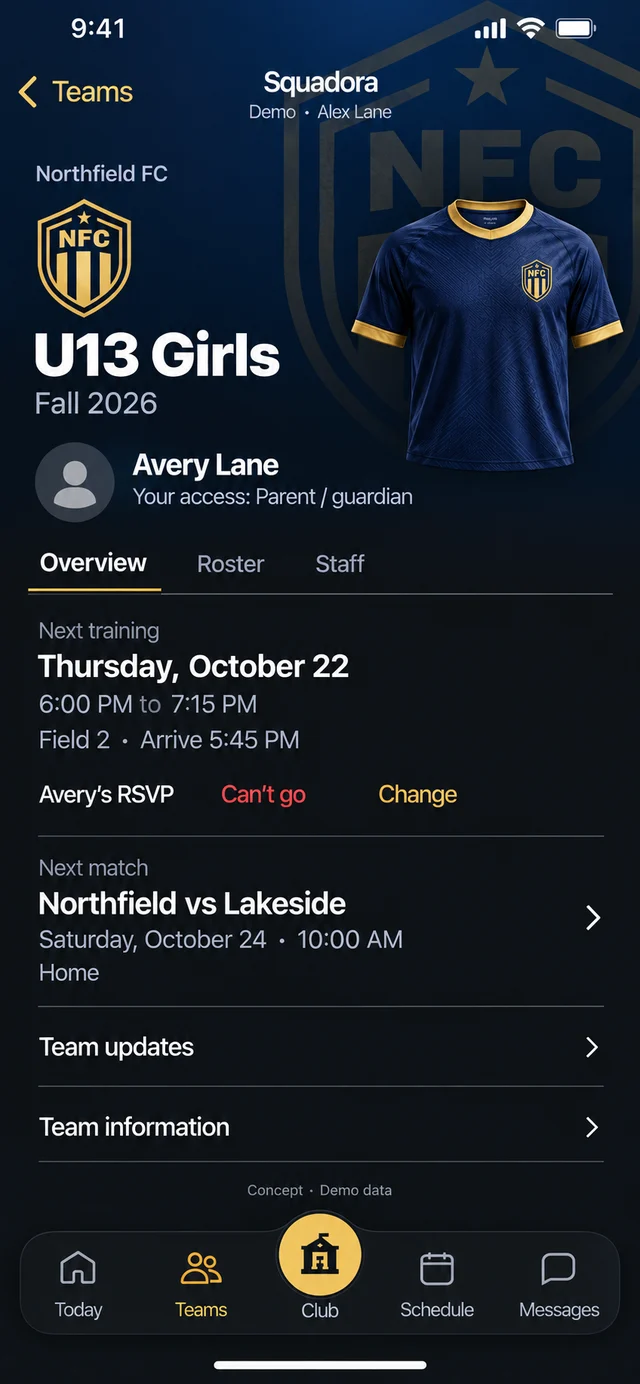
Concept screens, Northfield FC demo club.
Compare roles
What each role gets.
A parent's screen isn't a coach's dashboard. Everyone works on the same data, so a record made on a phone is the record the admin sees on the web.
What we won't bend on.
Kids first.
No public child directory, no date of birth or contact details on a roster, and coaches see their own teams, not the whole club. Guardians control access child by child.
How we protect children ›Your data. Not ours to sell.
No ads and no selling your data. Export your account or delete it from your profile, any time.
Read our privacy policy ›Honest status.
Saved isn't sent. Pending isn't paid. Invited isn't joined. Squadora shows you which one happened.
Questions clubs ask ›Questions clubs ask.
When can my club start?
The new app is in build now. Clubs that write to us now are first in line when it opens on iPhone and the web.
Which phones does it work on?
iPhone and the web come first. Android is built from the same app and follows.
Where does the fee money go?
Straight to your club's own Stripe account. Families pay by card or bank.
Can two parents follow the same child?
Yes. A guardian can invite a second guardian for a child and choose what they can see and do.
I used the old Squadora app. What happened?
It's closed while we rebuild. Questions about your club or an old payment? Email support@squadora.com.
Bring Squadora
to your club.
Tell us your club's name and how many teams you run. We'll set you up as the new app opens on iPhone and the web.